Buying advice
Published
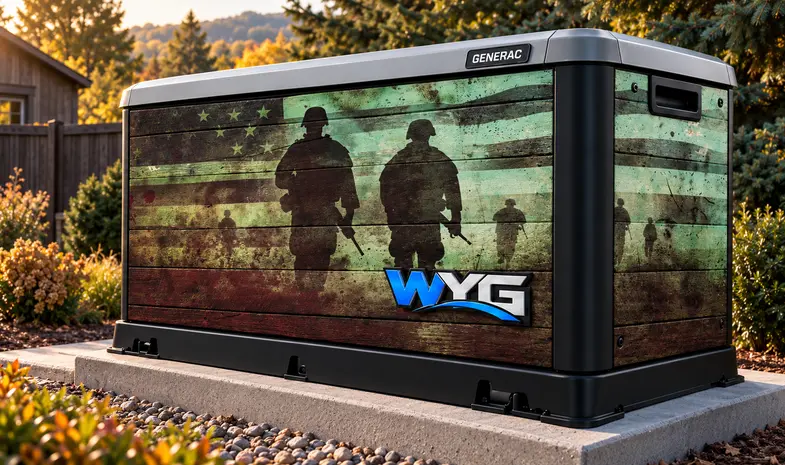
A project covering several generators needs a shared visual direction and a clear record for each unit. Matching colors and logos can make the group feel consistent, even when the generators differ. The practical challenge is keeping artwork, equipment details and site arrangements attached to the right location from the first brief through installation.
Give every generator a project identity
- A simple unit ID and its site location.
- Make, full model number and accessible exterior photos.
- The faces included in the proposed wrap.
- Known surface issues or planned panel changes.
- The person who can confirm local access and equipment arrangements.
Use the unit ID in photo folders and artwork names. “North-site-01” is easier to trace than several files named “generator-final.” Record unknown information as a question to resolve rather than assuming that matching power ratings or brand names mean matching enclosures.
Approve an identifiable layout for each unit
Select one representative unit for the initial design discussion. Use what you learn to refine the shared direction, then check each remaining layout against its own enclosure photos. A first concept can help settle the brand treatment without establishing fit for the rest of the group.
Make every approval identify the unit, the artwork revision and the included faces. Confirm site-specific spelling and contact details separately. If one location needs a change, record whether it applies only there or should also update the shared design. This prevents an old layout from looking approved just because its colors still match.
Plan the rollout around actual site readiness
Confirm installation arrangements for each location: access, the local contact, equipment preparation and who receives the graphics. Ask about each site’s availability before making a group schedule. A coverage radius on a map is a starting reference, not a confirmed appointment.
Keep completed-unit photos, material information and care instructions under the same unit ID. Those records help when another location joins the program or one panel needs a later replacement. For an initial WYG review, gather the inventory and preferred concept, then send a project request.